
RizzView
Download Instagram images and videos and save web images as JPG, PNG, WebP, or PDF.
A simple Chrome workflow for downloading Instagram media and converting modern image formats.
Why use RizzView
RizzView makes it easier to download Instagram photos and videos in one lightweight Chrome extension.
Download Instagram photos and videos
Save Instagram images, posts, and videos in a faster browser workflow when you need local copies for reference or reuse.
Save images from web pages
Save images you find while browsing without switching tools or breaking your flow.
Export to popular formats
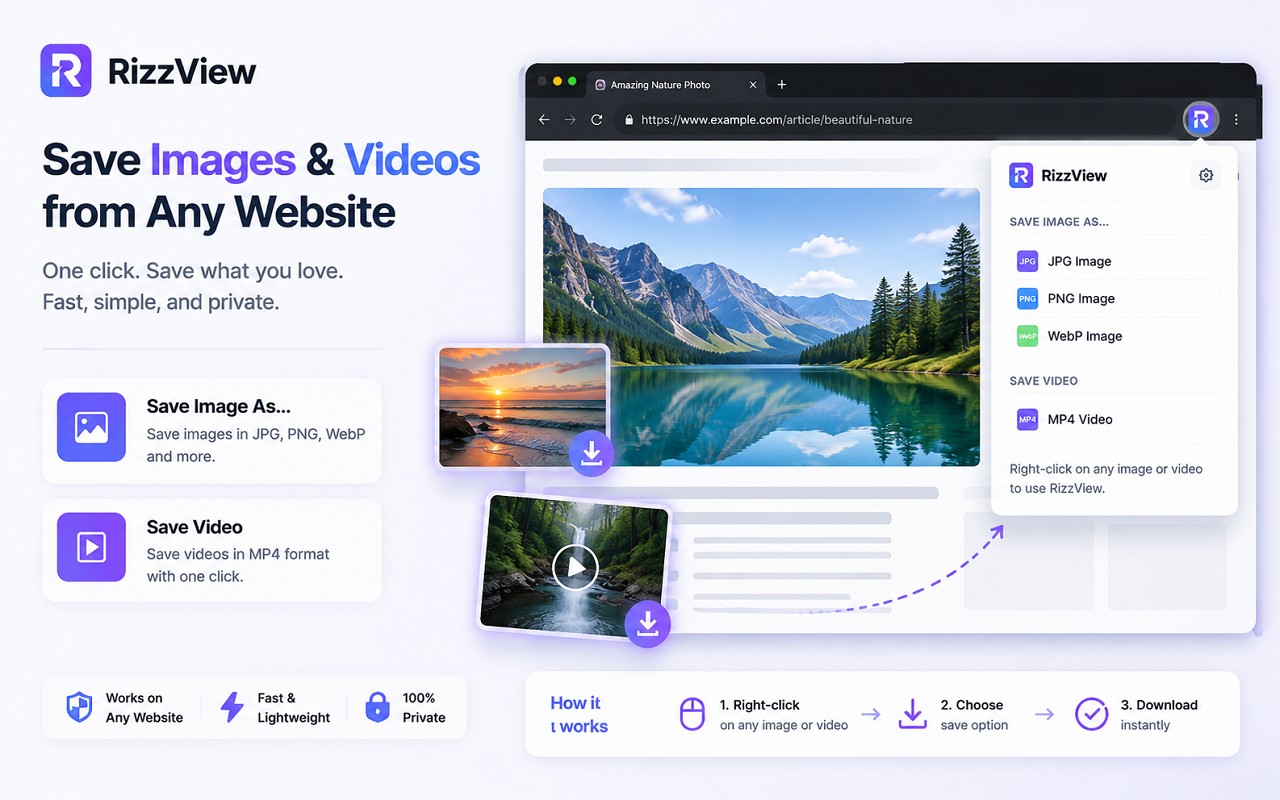
Save web images as JPG, PNG, WebP, or PDF when you need the right format for the job.
How it works
Use RizzView to download Instagram media and save images in the format you need without leaving Chrome.
Open Instagram content
Visit an Instagram page to save media.
Choose what to save
Download Instagram images or videos.
Export in the right format
Save web images as JPG, PNG, WebP, or PDF in just a few clicks and keep your workflow fast.
Key features
Everything you need for Instagram image and video downloads and lightweight image conversion in Chrome.
Instagram image downloader
Download Instagram photos and image posts more quickly when you want to save inspiration, references, or content assets.
Instagram video downloader
Save Instagram videos in a simpler browser workflow without adding extra desktop conversion steps.
Save web images in more formats
Export images from web pages as JPG, PNG, WebP, or PDF straight from the context menu.
Lightweight workflow
Keep image handling fast and simple without adding unnecessary complexity to everyday browsing.
Local-first processing
Your images are processed locally in the browser whenever possible, helping reduce unnecessary transfers.
Privacy first
Your images are processed locally in your browser whenever possible. No unnecessary cloud uploads, no extra external transfer steps for image conversion or everyday image saving.
Built for everyday use
Useful for anyone handling Instagram content, or saving web images in a preferred format.
Fewer compatibility headaches
When a site or workflow does not play nicely with Instagram content, RizzView helps you move to more compatible formats quickly.
Simple browser-based workflow
Keep image viewing and conversion inside Chrome instead of switching between separate apps and tools.
Ready to download Instagram content?
Use RizzView to save Instagram photos and videos, and export web images in the format you need.
FAQ
Quick answers about Instagram content in RizzView.
What is RizzView for?
RizzView helps you download Instagram images and videos, and export them into JPG, PNG, or PDF when you need broader compatibility.
Can I download Instagram photos and videos?
Yes. RizzView is designed to support downloading Instagram images and videos in a simpler browser workflow.
Can I save images from web pages in different formats?
Yes. You can right-click supported web images and save them as JPG, PNG, WebP, or PDF.
Does it work with Instagram content?
Yes. RizzView is designed to help with Instagram content.
Are my images uploaded to the cloud?
Your images are processed locally in your browser whenever possible, with no unnecessary cloud uploads or external transfer steps.