
DiscordView
Download Discord media from channels and chats, including images, videos, audio files, voice clips, and shared attachments.
Built for saving media assets from Discord conversations without digging through message history by hand.
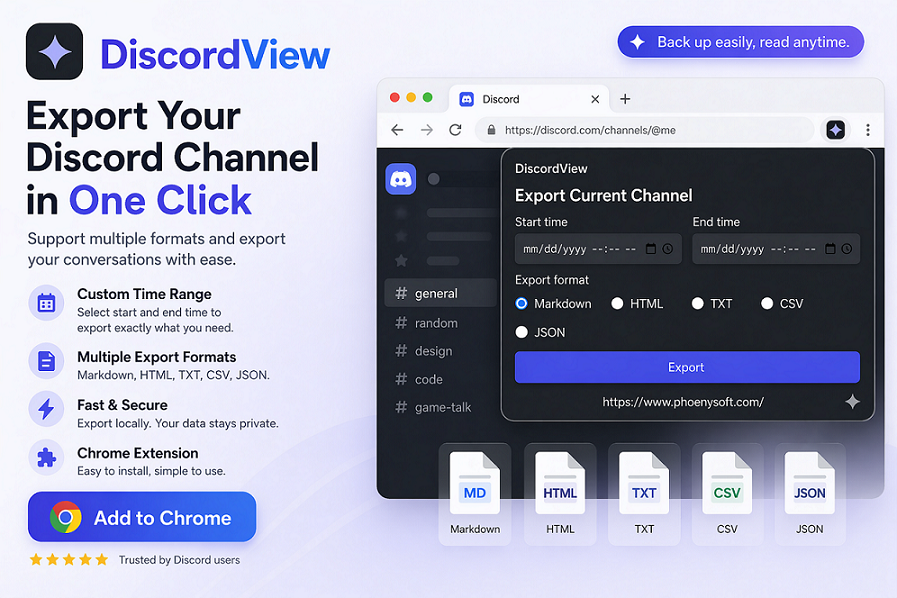
Download Discord Media Faster
DiscordView focuses on the files people actually want to keep: pictures, short videos, audio clips, channel attachments, and shared media references.
Images and GIFs
Save shared pictures, previews, memes, design references, screenshots, and animated media from Discord channels.
Videos and clips
Download video attachments and short clips so you can archive, review, or reuse them outside the browser.
Audio and voice files
Keep audio assets, voice notes, sound effects, and other shared media files organized locally.
How DiscordView Works
Open Discord in Chrome, browse the conversation or channel, then use DiscordView to capture the media you need.
Open Discord content
Navigate to a channel, DM, or media-heavy conversation in Discord.
Find media files
Identify downloadable images, videos, audio files, and attachments from the current view.
Save locally
Download the media you want and keep it ready for editing, archiving, or wallpaper creation.
Key Features
A focused downloader for Discord media-heavy workflows.
Media-first discovery
Focus on downloadable files instead of manually opening every message attachment.
Picture downloads
Save images from chats and channels for reference boards, collections, or offline use.
Video downloads
Keep short videos and shared clips when they matter to a project or conversation.
Audio file downloads
Download shared audio, voice-style media, sound effects, or music snippets when available.
Useful for wallpaper workflows
Save motion media from Discord, then use RizzView tools to preview and turn clips into desktop wallpapers.
Browser-based workflow
Keep media collection inside Chrome without switching between extra download tools.
Ready to download Discord media?
Add DiscordView to Chrome and save images, video, audio, and attachments from Discord more easily.