
RizzView Use Case
Rizz AI makes social communication more intentional. So should the media you save.
The conversation around AI-assisted social communication has made people more aware of tone, visual identity, and personal presentation. RizzView gives users a simple way to save permitted web images and videos for inspiration, creative work, and local desktop style.
From endless scrolling to a useful reference library
Social platforms are full of visual signals: photography, outfits, interiors, travel clips, motion design, product examples, and editorial layouts. A saved collection can be more useful than repeatedly trying to find the same post again, especially when the goal is a mood board, a creative brief, or a personalized wallpaper.
The best collections are intentional. Instead of saving everything, keep media that supports a defined project, aesthetic direction, or personal idea.
Rizz culture, without the overreach
"Rizz" has become shorthand for social confidence and communication style, and AI tools are increasingly used for brainstorming replies or refining profiles. Visual references can support that work by helping someone articulate a look, tone, or setting. They should not become a way to monitor, profile, or pressure another person.
RizzView is a media-saving tool. It does not analyze private accounts, identify people, or make social decisions for users.
Good uses for saved web media
Creative direction
Save visual references for design, video edits, photography ideas, or a personal mood board.
Personal desktop style
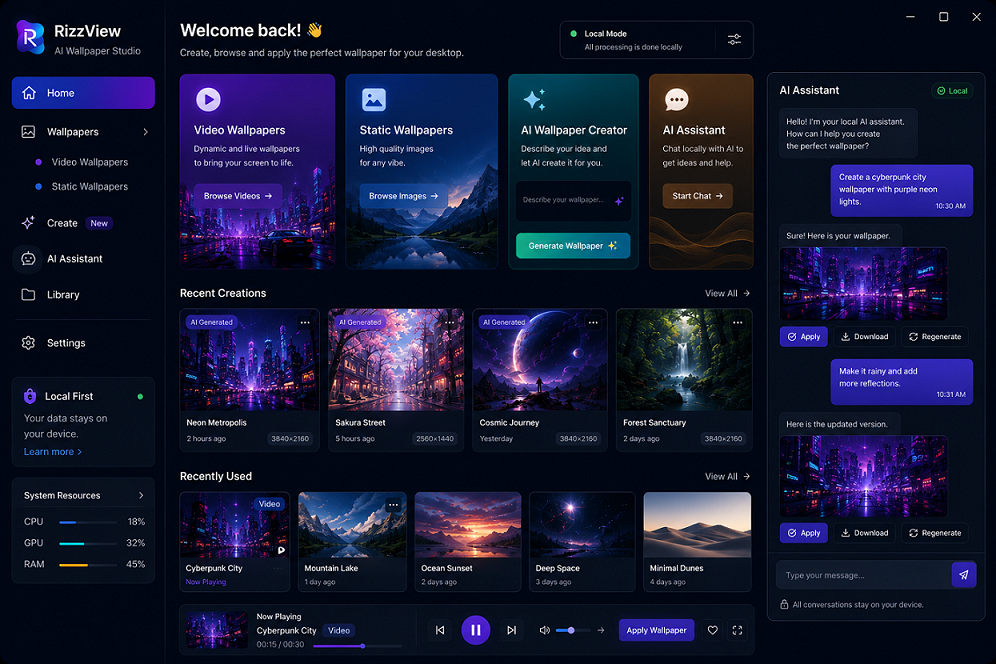
Keep approved images and short clips ready for RizzView's static and live wallpaper workflow.
Content planning
Organize examples that help explain a concept, style, or format to a collaborator.
Keep privacy and ownership in view
Only save media you have the right to access and use. Respect account privacy, creator rights, platform rules, and personal boundaries. Do not redistribute someone else's work or collect personal media in ways that could make another person feel unsafe.
Save web media for your own workflow
Use the RizzView Chrome extension to collect permitted images and videos, then use the Windows app to bring selected media to your desktop.