
HeicView Use Case
HEIC is efficient on an iPhone. Compatibility is still the real work.
HEIC and HEIF files can preserve image quality with efficient storage, but the format is not accepted everywhere. That mismatch still appears when iPhone photos meet Windows PCs, browser upload forms, Android devices, ecommerce portals, and document workflows.
Why this format gap still matters
People often discover the problem at the worst moment: an image cannot be previewed on a Windows computer, a website rejects it, or a recipient cannot open it. The photo itself is fine, but the next system expects a more widely supported format such as JPG or PNG.
Converting a copy before sharing keeps the original HEIC file available while making the image easier to review, upload, annotate, or archive.
Common cross-platform moments
Windows and web uploads
Prepare iPhone photos for portals, internal tools, and browsers that do not reliably accept HEIC uploads.
Commerce and content work
Convert product photos and creative assets to formats accepted by marketplaces, CMS tools, and editing apps.
Documents and HR workflows
Turn submitted certificates, forms, or supporting photos into a viewable format before review or PDF assembly.
A small conversion habit saves time
For each image, choose the output format based on the next step. JPG is widely accepted for photos, PNG is useful when transparency or sharp graphics matter, and PDF works well when an image needs to travel as part of a document workflow. Naming files clearly and keeping originals separate prevents accidental overwrites.
Use the right copy for the task
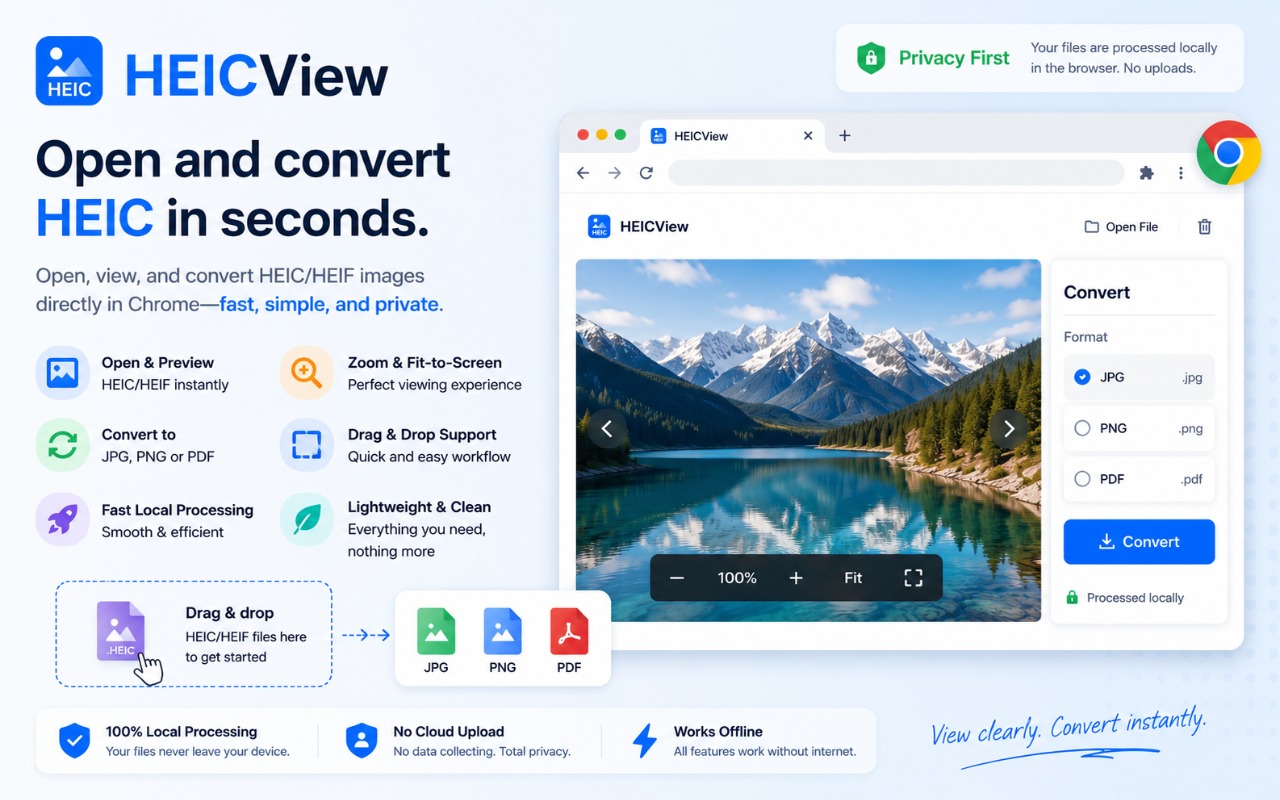
HeicView helps preview HEIC and HEIF files and create compatible copies. Check the destination's image requirements and handle personal or confidential photos according to your own security and retention policies.
Make HEIC files easier to use
Use HeicView in Chrome to view HEIC and HEIF content, then convert compatible copies to JPG, PNG, or PDF.